Memories are short facts about an end user that the Brain takes into account with every request from that person, for example "prefers short answers" or "contact in purchasing is Ms. Berger". The Brain creates such memories itself. Through the API, you can also create, search, change and delete them.
How memories work
Each memory belongs to exactly one end user of your team. For later requests with the same external_identifier, we draw on the relevant memories as context. Other end users never see them. Use the Brain: store and continue conversations per end user explains how the Brain works in general.
All calls need external_identifier, so it's clear which person is meant.
Create a memory
curl -X POST https://api.flowmodels.one/v1/memories \
  -H "Authorization: Bearer at_your_key" \
  -H "Content-Type: application/json" \
  -d '{"external_identifier": "customer-1042", "text": "Prefers short summaries with three bullet points.", "kind": "preference"}'
textis required and can be at most 10,000 characters long.kindis optional and helps you organize memories.
The response contains the memory's id and revision: 1. Keep the revision, you'll need it when making changes.
Creating a memory by hand also works if automatic memories are turned off for this end user.
List or search memories
GET /v1/memories answers two different questions:
List all memories, newest first:
curl "https://api.flowmodels.one/v1/memories?external_identifier=customer-1042&limit=50" \
  -H "Authorization: Bearer at_your_key"
This is free. You can fetch further pages with after and the value from last_id, as long as has_more is true.
Search by meaning with query:
curl "https://api.flowmodels.one/v1/memories?external_identifier=customer-1042&query=contact" \
  -H "Authorization: Bearer at_your_key"
The search also finds entries that don't contain the search term literally. It's billed, because we convert the search text into a vector for it. The search text can be at most 1,000 characters long. A search result is a ranking with no further pages: has_more is false and last_id is null.
Change a memory
curl -X PATCH https://api.flowmodels.one/v1/memories/018f1234-5678-7abc-9def-0123456789ab \
  -H "Authorization: Bearer at_your_key" \
  -H "Content-Type: application/json" \
  -d '{"external_identifier": "customer-1042", "text": "Prefers very short summaries.", "revision": 1}'
With revision, you state which version you want to change. If the memory has changed in the meantime, for example through a second process in your application, the API responds with 409 memory_revision_conflict. In that case, fetch the current version, reconcile your change and send it again with the new revision. That way you never accidentally overwrite a newer version.
Delete a memory
curl -X DELETE https://api.flowmodels.one/v1/memories/018f1234-5678-7abc-9def-0123456789ab \
  -H "Authorization: Bearer at_your_key" \
  -H "Content-Type: application/json" \
  -d '{"external_identifier": "customer-1042"}'
If you want to delete all of a person's data at once, use end-user deletion instead, see Manage and delete end users via API: metadata, deletion and erasure receipt.
Turn off automatic memories
For new end users, the Brain automatically creates memories from conversations. If you don't want that for a person, turn it off:
curl -X PATCH https://api.flowmodels.one/v1/end-users/018f1234-5678-7abc-9def-0123456789ab \
  -H "Authorization: Bearer at_your_key" \
  -H "Content-Type: application/json" \
  -d '{"memory_extraction_enabled": false}'
Here you use the end user's id from POST /end-users, not your own identifier.
If something goes wrong
404 memory_not_found: The memory doesn't exist or belongs to a different end user. Check theexternal_identifier.400 invalid_cursor: The value inafterdoesn't come from a previous page. A search withqueryhas no further pages.409 memory_revision_conflict: See above, fetch the current version again.
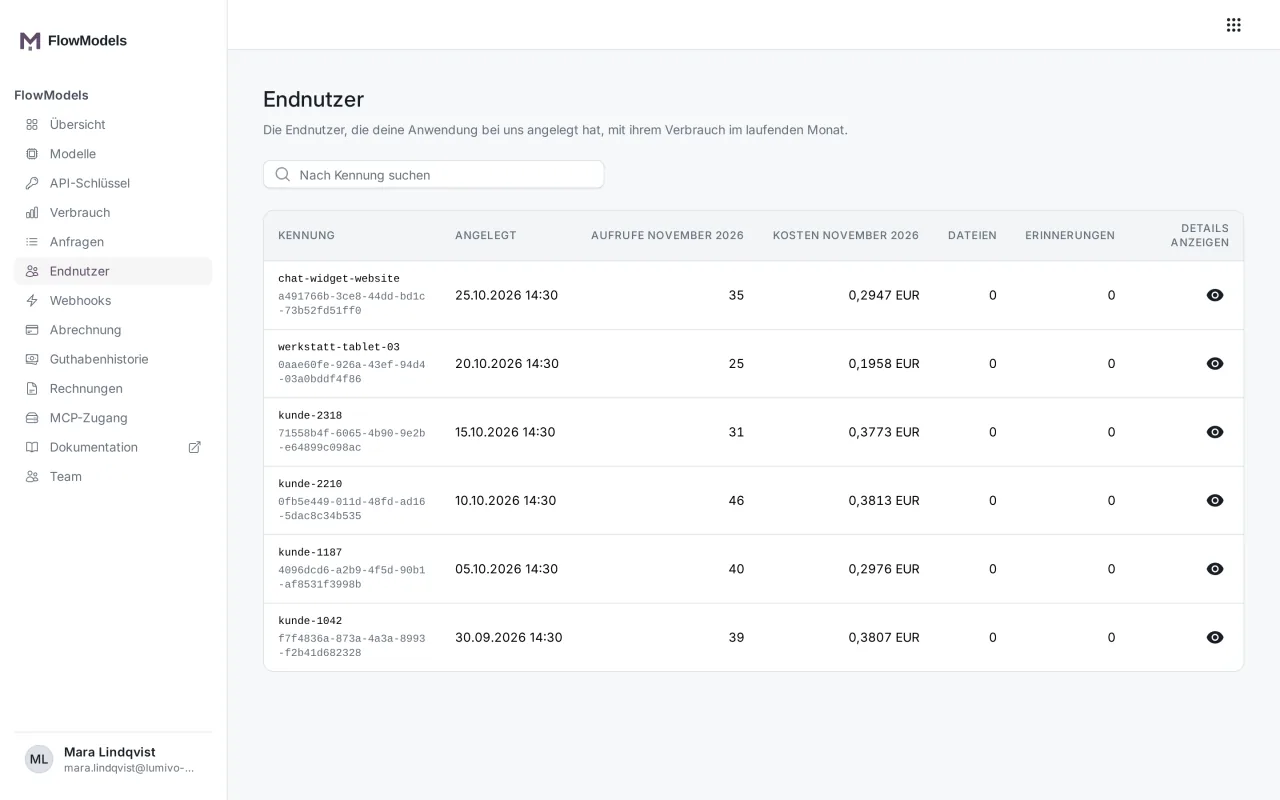
You can also see how many memories an end user has in the interface under End users in the Memories column.