
How many requests your team can send to FlowModels depends on its tier. Every team starts in tier 1 and moves up automatically as it pays more. The tier sets two limits: requests per minute and the number of requests that can run at the same time.
The four tiers
| Tier | Requests per minute | Concurrent requests | Automatic upgrade from |
|---|---|---|---|
| 1 | 60 | 10 | Start |
| 2 | 600 | 25 | €5 |
| 3 | 2,000 | 50 | €100 |
| 4 | 6,000 | 100 | €500 |
Both limits apply to your whole team, so to all keys combined.
Where to see your tier
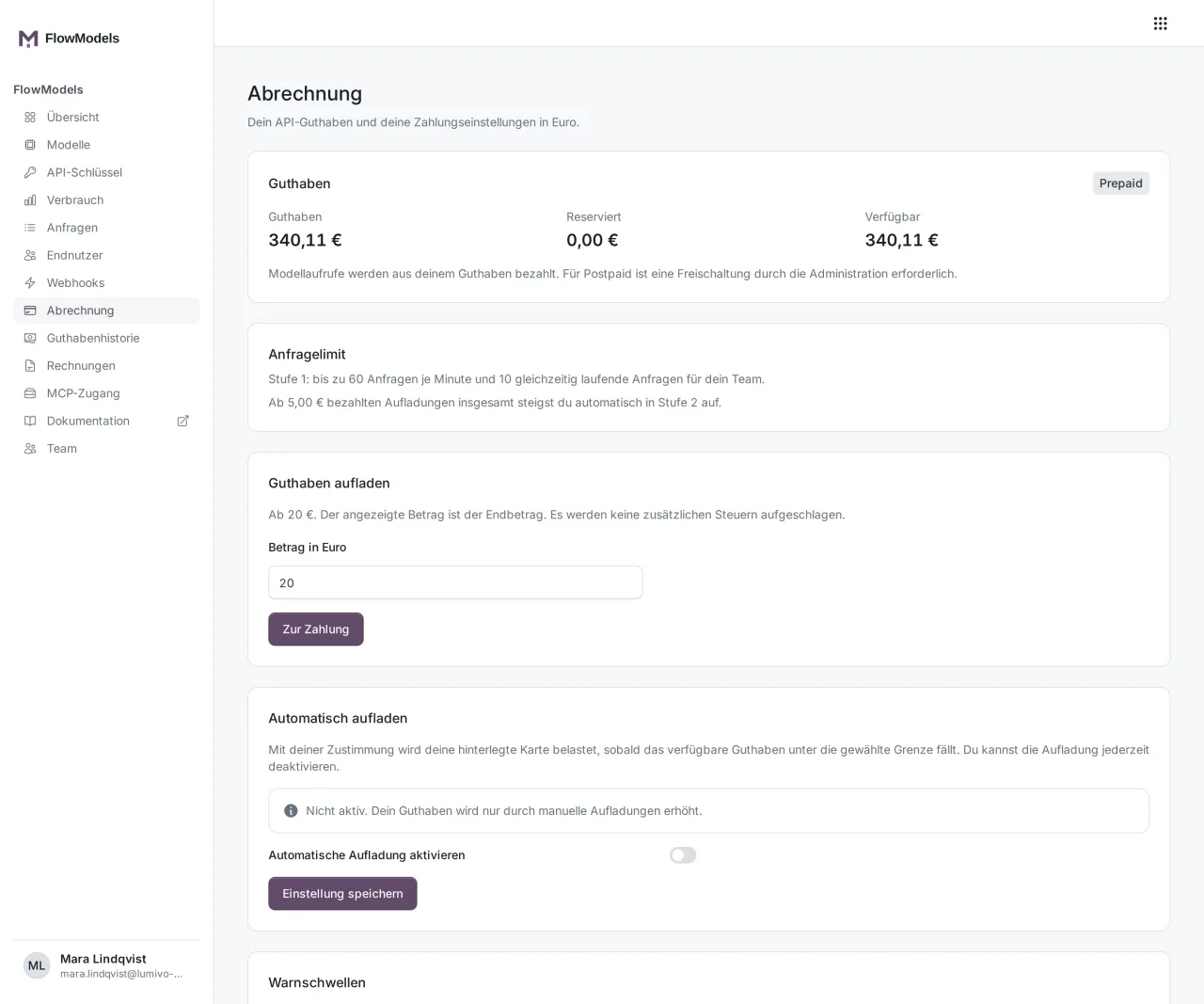
Open Billing in the dashboard. The Request limit box shows which tier your team is in, which limits apply, and the amount at which you move up to the next tier.
Your application can also fetch these values itself: GET /v1/key returns the tier, the effective per-minute limit and the allowed concurrent requests under limits.
How upgrades work
- Prepaid: We count the sum of your paid top-ups. Chargebacks are deducted, goodwill credits don't count.
- Postpaid: We count billed usage. Teams that are switched to postpaid go straight to tier 4.
Upgrades happen automatically, right after a paid top-up and additionally during a regular background check. A tier only goes up, it never drops on its own. If you need a higher tier sooner than your revenue so far would give you, contact support.
Limit for a single key
You can give a key its own Requests per minute limit, for example so a test system doesn't use up the entire team quota. This limit can only lower the team limit, never raise it. You set it when you edit the key, see Edit, renew or revoke API keys. The limit on concurrent requests, by contrast, is always shared by all of the team's keys.
What happens when you reach the limit
The API responds with HTTP 429:
rate_limit_exceeded: The per-minute quota is used up, either the team's or the key's own limit.concurrent_requests_exceeded: As many requests are already running at the same time as your tier allows.
In both cases, the Retry-After header gives the wait time in seconds. Rejected requests cost nothing. Build a retry with a wait time into your application and send fewer requests in parallel for large batch jobs. Understanding FlowModels error messages explains other error codes.
Good to know
Rejected requests appear in the request log with the status Too many requests. If you see a lot of them, your application is sending too much at once or your team needs a higher tier.