
If you need a separate key for each customer, environment or deployment, you don't have to do it by hand. With a key that has the Manage keys permission, your program can create, list, renew and revoke FlowModels keys itself. Here's how it works and where the limits are.
The management key
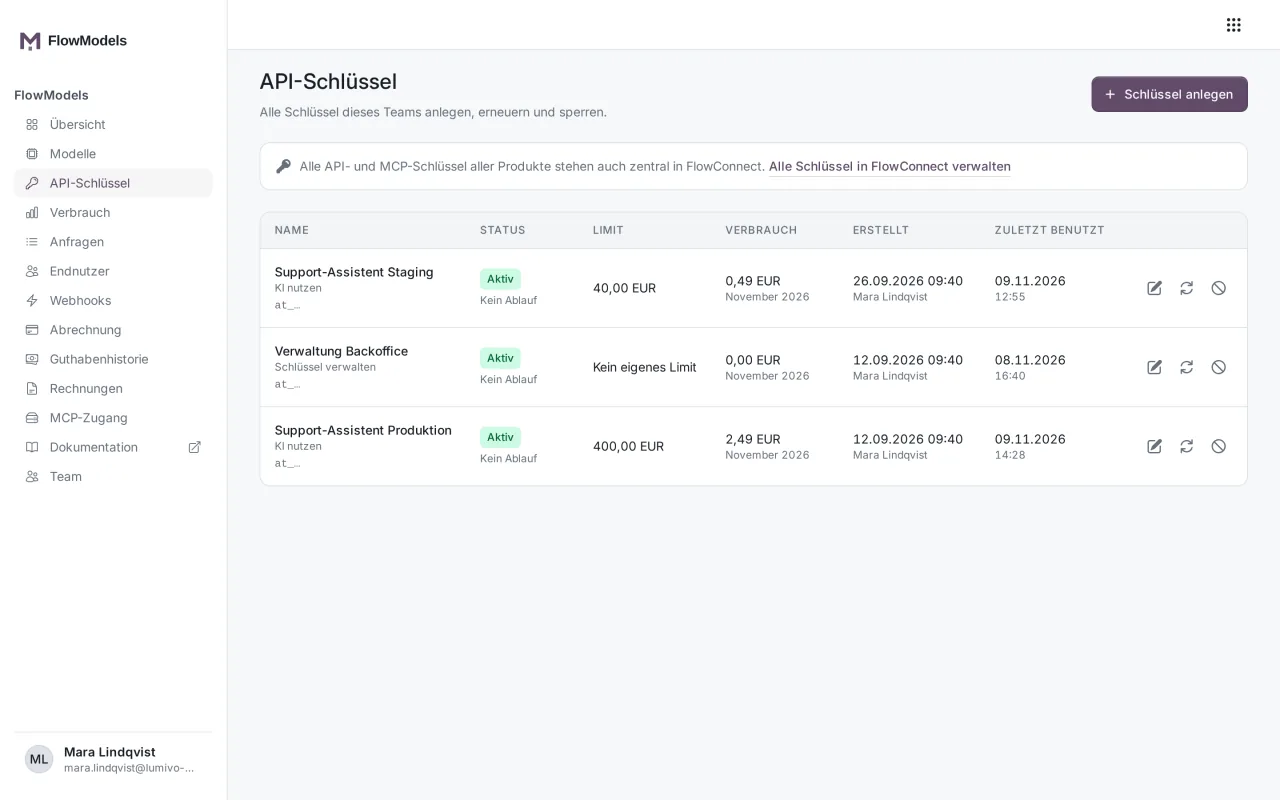
First create a key with the Manage keys permission in the dashboard under API keys, see Create API keys: permission, limit and validity. This key can't call models itself. It can, however, manage keys and query credit, key status and usage.
A key with Use AI is rejected on the management endpoints with 403 insufficient_key_scope.
The endpoints
Key management isn't on api.flowmodels.one, it remains on creativeskyline.de. All paths start with https://creativeskyline.de/api/user/api-keys:
| Task | Call |
|---|---|
| List keys | GET /api/user/api-keys |
| Create a key | POST /api/user/api-keys |
| Renew a key | PUT /api/user/api-keys/{uuid}/regenerate |
| Revoke a key | DELETE /api/user/api-keys/{uuid} |
This only manages FlowModels keys that belong to your account and your team. The list contains only active keys and never the key value itself, just the name, uuid, kind, creation date, last use and expiry date.
Create a key for model calls
The kind field is important. If you leave it out, you get another management key. For model calls, explicitly set "kind": "inference":
curl -X POST https://creativeskyline.de/api/user/api-keys \
  -H "Authorization: Bearer at_your_management_key" \
  -H "Content-Type: application/json" \
  -d '{"name": "Customer portal staging", "kind": "inference", "expires_at": "2027-06-30"}'
nameis required, at most 255 characters.expires_atis optional and must be in the future.kindacceptsinference(equivalent to Use AI) andmanagement(equivalent to Manage keys).
The response contains the full key in the data.token field, along with uuid, name, kind and expires_at. Store the value in your secret manager right away. It can't be shown again in the FlowModels interface. The new key automatically belongs to FlowModels and is billed against your team's credit.
Renew and revoke
PUT …/{uuid}/regenerate generates a new value and returns it in data.token. The previous value keeps working for a transition period afterward, so you can replace it without an outage. Still, plan the replacement promptly.
DELETE …/{uuid} revokes the key immediately. Every further call with it is rejected, and it no longer appears in this endpoint's list.
What only works in the interface
You can't set a Monthly limit or a separate request limit for a key through these endpoints. To do that, open the key under API keys and edit it, see Edit, renew or revoke API keys. Adding credit also only works in the interface.
Query a key's limits
With GET https://api.flowmodels.one/v1/key, a program can fetch what applies to the key currently in use. The response includes status, kind, expires_at, last_used_at and, under limits:
spending.monthly_limit_micro_eur: the monthly limit in micro-euros,nullwithout a limit of its ownrequests.tierandrequests.per_minute: the tier and the requests per minute for this keyconcurrency.max_concurrent_requests: how many requests can run at the same timepayload: the size limits of a single request
One million micro-euros equal one euro. This call never shows the key value or other keys. More on this in Check credit and key limits via API: GET /credits and GET /key.
If something goes wrong
- New key gets
403 insufficient_key_scopeon model calls: It was created without"kind": "inference"and is a management key. Create a new one withinferenceand revoke the wrong one. 404when renewing or revoking: Theuuiddoesn't belong to your account or the key is already revoked.- Error message when creating: Check that
nameis set,expires_atis in the future andkindis exactlyinferenceormanagement.